⚙️ INSTALL EZUMEE APP
⚙️ Install Ezumee App / Android
If Install button does not pop up on log in page follow directions below to install app
STEP 1
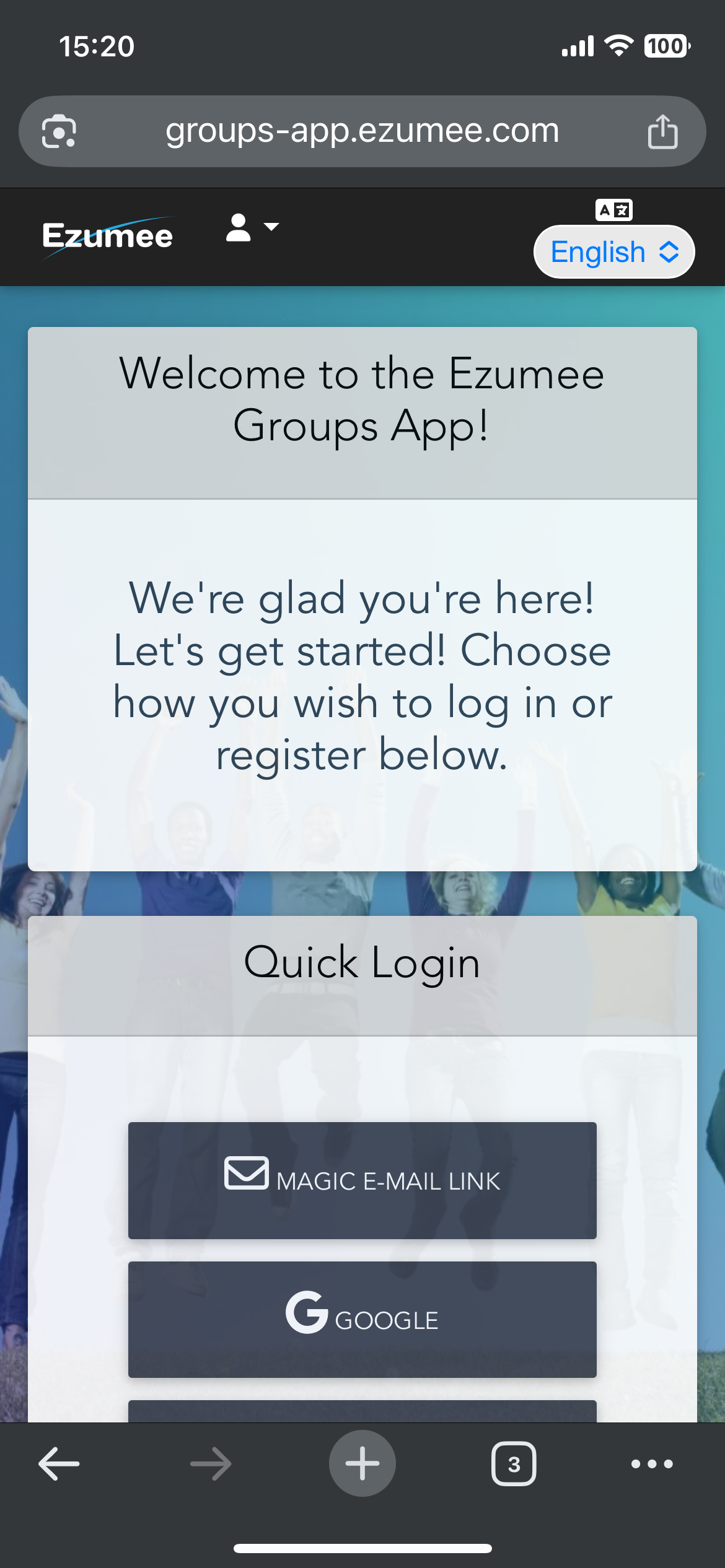
Go to https://groups-app.ezumee.com
When on screen shown below SAVE to Home Screen
Close the page / Don't log in yet
STEP 2
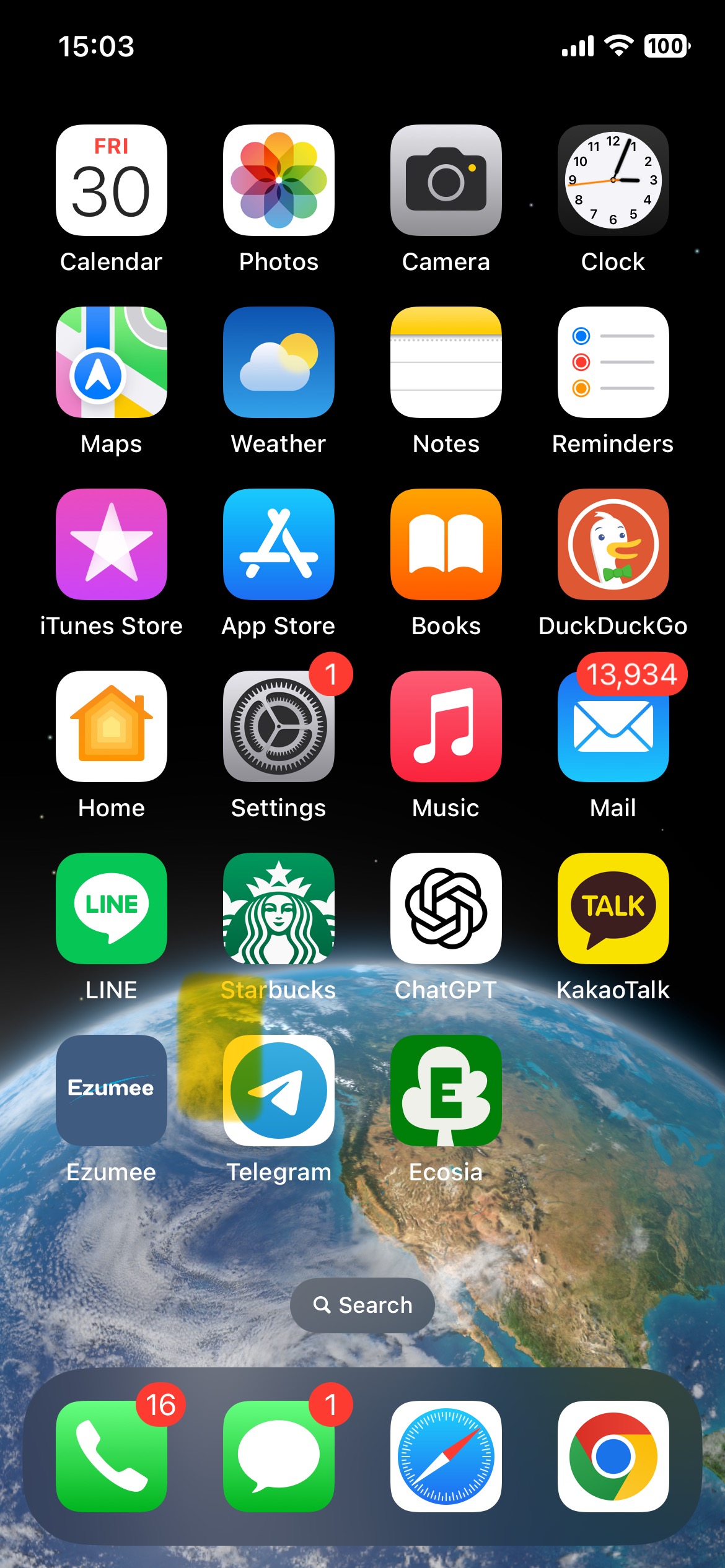
Go to your home Screen
Touch the Ezumee Tile on Home Screen
Login with quick link or with Google, Facebook or Amazon
Once your logged in you're good to go
To visit groups & events simply touch the Ezumee tile on future visits
You will always be logged in until you log out
Need Help? Contact Us